
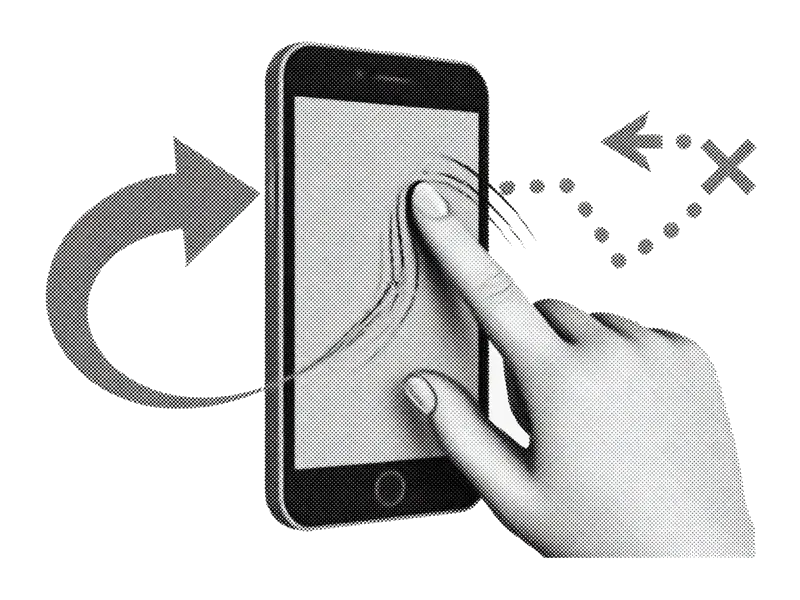
O famoso deslize
Direita para manter, esquerda para apagar. Limpe milhares de fotos sem pinçar, sem seleção múltipla infernal nem rolagem infinita.
Tudo abaixo é direção de produto. Detalhes podem mudar antes do lançamento.
PhotoSwipe is a coming-soon iPhone photo cleaner. It is not the PhotoSwipe JavaScript gallery library. The goal is simple: make keep/delete decisions faster on a full camera roll without weekly pricing traps or uploading your library to “the cloud” just to trash a screenshot.
Direita para manter, esquerda para apagar. Limpe milhares de fotos sem pinçar, sem seleção múltipla infernal nem rolagem infinita.
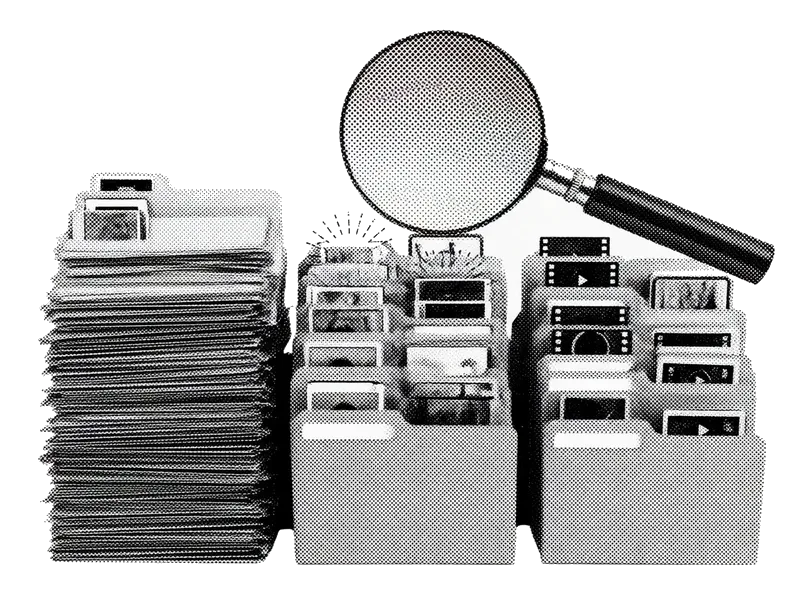
Vá direto para capturas de tela, rajadas, fotos parecidas, vídeos grandes ou borradas. a bagunça que enche o armazenamento primeiro.

Encontre fotos quase idênticas, mantenha a mais nítida e descarte o resto em um só fluxo.
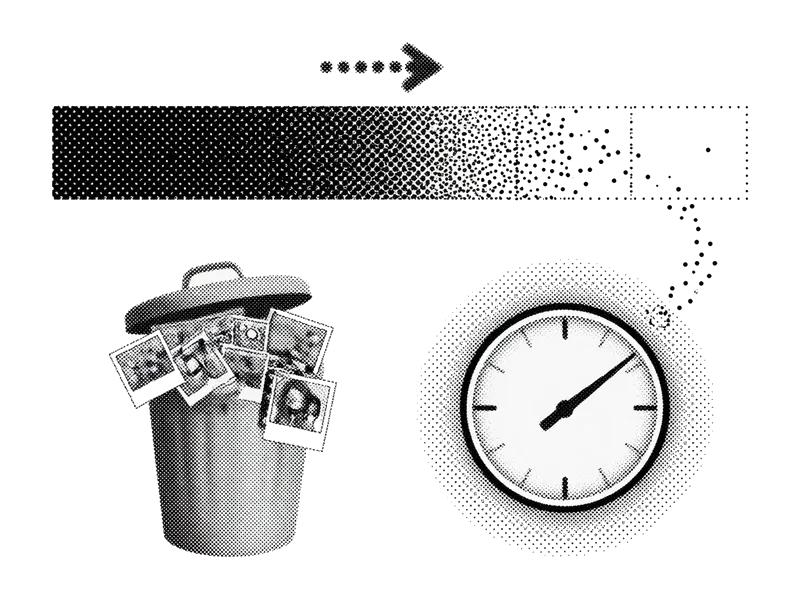
Saiba quantos megabytes ou gigabytes você está prestes a recuperar antes de confirmar.

Suas fotos ficam no seu iPhone. Não precisamos de uma cópia na nuvem da sua vida para te ajudar a apagar uma captura de tela.
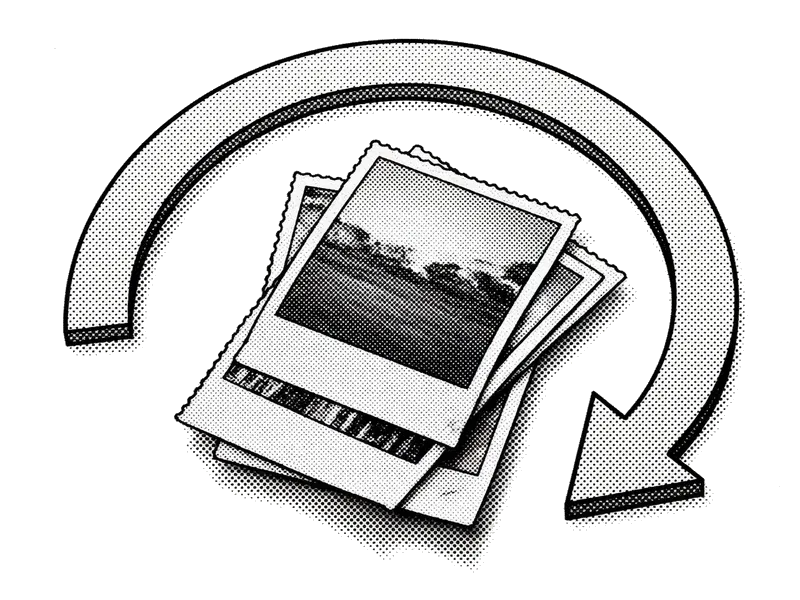
Confira sua pilha de exclusões e restaure o que deslizou rápido demais. Confirme quando estiver pronto.
Multi-select in Photos works for obvious junk. It falls apart when every frame needs a judgment call. Swipe review keeps one photo full-screen so you decide faster without fat-finger selecting the wrong thumbnail.
Start where density is highest. Screenshots and near-duplicates usually free more space per minute than scrolling All Photos from newest to oldest. Queues are product direction for v1, not a finished App Store checklist.
Apple’s Duplicates album catches exact or near-exact copies. Similar shots (same scene, different blink) still need a human. We aim to speed that pass without replacing free system tools you should use first.
Deletes sit in Recently Deleted until you empty it. Showing reclaimable space before confirm sets honest expectations: confirm + empty Recently Deleted is what actually moves the free-GB number.
Core keep/delete is designed to run on-device. When we ship, App Store privacy labels and the Privacy Policy will list any analytics or crash tooling. No “upload your camera roll for AI” requirement for basic cleanup.
Fast swipes create accidents. A review tray before permanent commit (and Apple’s Recently Deleted window after) is the safety net. Commit when you’re sure, not mid-gesture.
Apple already ships strong free tools. Use them first. Settings → General → iPhone Storage shows how large Photos is. Albums → Media Types surfaces Screenshots, Videos, and Live Photos. Albums → Utilities → Duplicates merges exact or near-exact copies. Empty Recently Deleted when you want free space back now (Items → Recently Deleted in Photos).
Smart queues aim to surface dense clutter. Swipe review is for judgment-heavy similar shots. Storage estimates set expectations before confirm. Privacy and review trays reduce the cost of mistakes. None of this replaces emptying Recently Deleted if you need gigabytes back today.
Lista de espera para o link da App Store no dia do lançamento. Enquanto isso, nossos guias.