
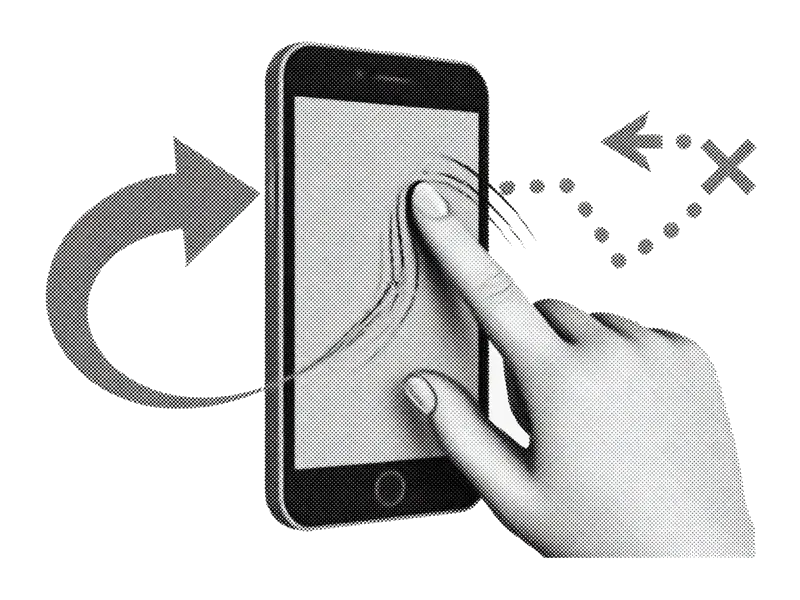
那个著名的滑动
右滑保留,左滑删除。不用捏合、不用多选地狱、也不用无尽滚动,就能清理数千张照片。
以下均为产品方向,上线前细节可能调整。
PhotoSwipe is a coming-soon iPhone photo cleaner. It is not the PhotoSwipe JavaScript gallery library. The goal is simple: make keep/delete decisions faster on a full camera roll without weekly pricing traps or uploading your library to “the cloud” just to trash a screenshot.
右滑保留,左滑删除。不用捏合、不用多选地狱、也不用无尽滚动,就能清理数千张照片。
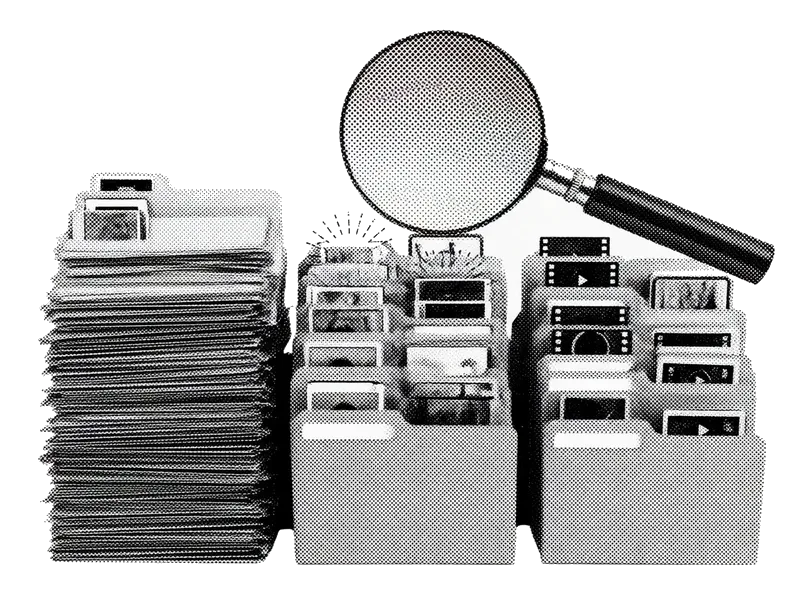
直接进入截图、连拍、相似照片、大视频或模糊照片. 最先占满存储的那些杂物。

找出几乎相同的照片,留下最清晰的,其余在一个流程中扔掉。
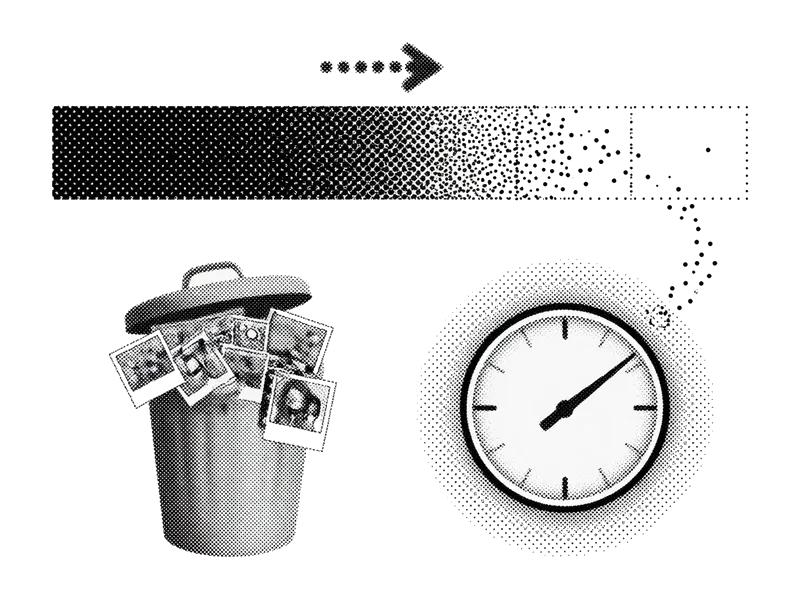
在确认之前,就知道你将回收多少兆字节或千兆字节。

你的照片留在 iPhone 上。我们不需要把你的人生复制到云端,只为帮你删掉一张截图。

查看删除堆,恢复滑得太快的任何内容。准备好再确认。
Multi-select in Photos works for obvious junk. It falls apart when every frame needs a judgment call. Swipe review keeps one photo full-screen so you decide faster without fat-finger selecting the wrong thumbnail.
Start where density is highest. Screenshots and near-duplicates usually free more space per minute than scrolling All Photos from newest to oldest. Queues are product direction for v1, not a finished App Store checklist.
Apple’s Duplicates album catches exact or near-exact copies. Similar shots (same scene, different blink) still need a human. We aim to speed that pass without replacing free system tools you should use first.
Deletes sit in Recently Deleted until you empty it. Showing reclaimable space before confirm sets honest expectations: confirm + empty Recently Deleted is what actually moves the free-GB number.
Core keep/delete is designed to run on-device. When we ship, App Store privacy labels and the Privacy Policy will list any analytics or crash tooling. No “upload your camera roll for AI” requirement for basic cleanup.
Fast swipes create accidents. A review tray before permanent commit (and Apple’s Recently Deleted window after) is the safety net. Commit when you’re sure, not mid-gesture.
Apple already ships strong free tools. Use them first. Settings → General → iPhone Storage shows how large Photos is. Albums → Media Types surfaces Screenshots, Videos, and Live Photos. Albums → Utilities → Duplicates merges exact or near-exact copies. Empty Recently Deleted when you want free space back now (Items → Recently Deleted in Photos).
Smart queues aim to surface dense clutter. Swipe review is for judgment-heavy similar shots. Storage estimates set expectations before confirm. Privacy and review trays reduce the cost of mistakes. None of this replaces emptying Recently Deleted if you need gigabytes back today.