

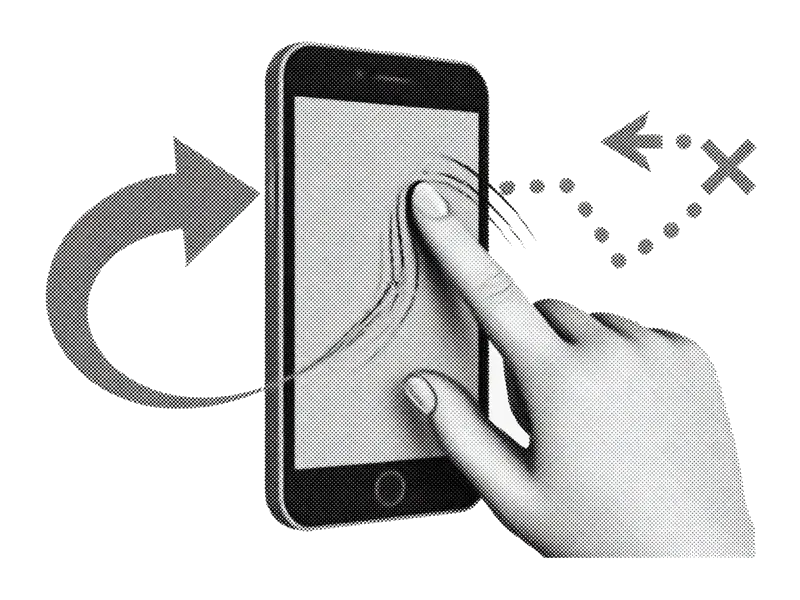
The famous swipe
Right to keep, left to delete. Clean thousands of photos without pinching, multi-select hell, or endless scroll.
Coming soon · iPhone photo cleaner
Screenshots, blurry bursts, and near-duplicates eating your storage? PhotoSwipe is a swipe-to-delete iPhone photo cleaner (not the PhotoSwipe JS library). Launching soon. Right to keep, left to delete.
On-device by design. No camera-roll cloud upload. App Store release in progress.
PhotoSwipe is a pre-release iPhone cleaner for people who want keep/delete swipes, smart clutter queues, and pricing that doesn’t punish a full camera roll.
Product direction for launch. Not a finished App Store feature list yet.
Right to keep, left to delete. Clean thousands of photos without pinching, multi-select hell, or endless scroll.
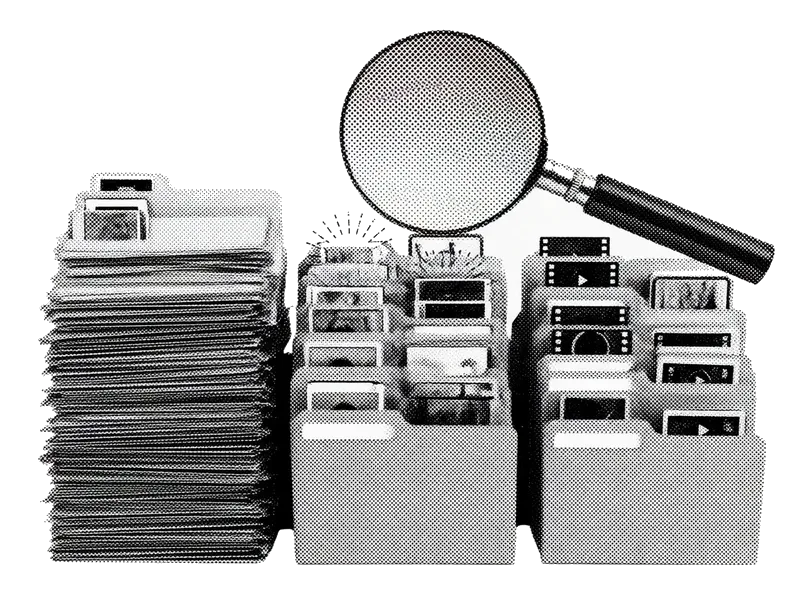
Jump into screenshots, bursts, similar shots, large videos, or blurry photos. That clutter fills storage first. Planned for v1.

Spot near-identical shots, keep the sharpest, bin the rest in one flow. Complements Apple’s Duplicates album.
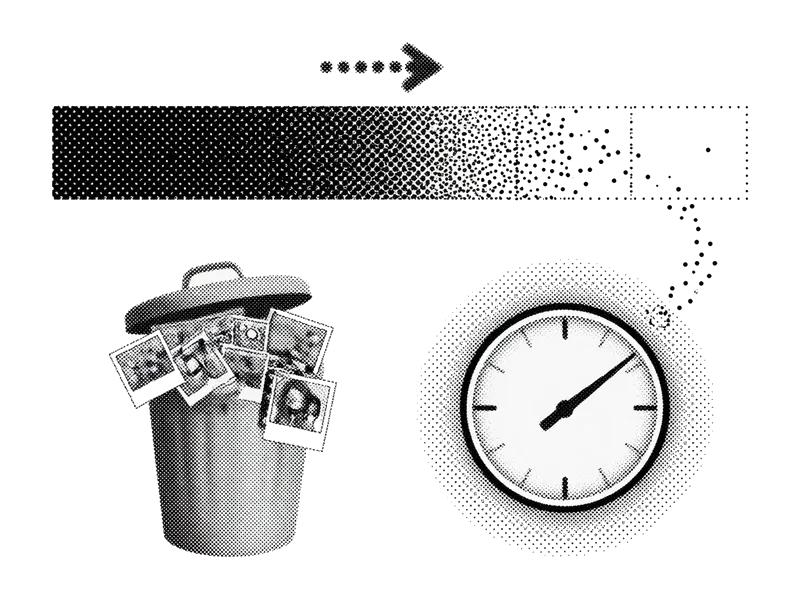
Know how many megabytes or gigabytes you’re about to reclaim before you confirm. Design goal for launch.

Your photos stay on your iPhone. We don’t need a cloud copy of your life to help you delete a screenshot.
Peek at your delete pile and restore anything you swiped too fast. Commit when you’re ready.
The flow we’re shipping. No tutorials. No brokerage of your photos. Just swipe.
iOS asks once. Full library access is needed for queues and deletes you choose. Limited Photos Access won’t cover a full clean.
All photos, screenshots, similars, videos. Start where the clutter lives.
Keep or delete with a flick. Review the pile, confirm, then empty Recently Deleted if you want space back immediately.
Same gesture idea. Our design intent: fairer pricing and privacy-first cleanup.
| What matters | PhotoSwipe (planned) | Typical paid cleaners |
|---|---|---|
| True swipe UX | Planned | Mixed |
| No $10/week trap | Planned | Often not |
| On-device first | Planned | Mixed |
| Smart clutter queues | Planned | Mixed |
| Review before delete | Planned | Mixed |
Practical iPhone cleanup tips you can use today, with or without our app.
Where storage actually goes, and the fastest ways to reclaim gigabytes from your camera roll.
Read guide →Keep photos in iCloud, keep them only on the iPhone, or remove them from a phone you are selling. The buttons are different.
Read guide →Keep the sharp frame, drop the rest of the stack, and avoid Keep Everything when you are trying to free space.
Read guide →Use Apple’s Duplicates album plus smarter tools for near-identical shots the system misses.
Read guide →Screenshots pile up silently. Clear them in minutes with filters and swipe queues.
Read guide →Batch select, date ranges, and swipe methods that actually scale past a few hundred photos.
Read guide →Short, practical posts on storage traps, free cleaners, and quick camera-roll passes.
What swipe-to-clean means, free built-in options, and apps that use the gesture.
Read article →Recently Deleted, iCloud Optimize, and other traps that keep storage full after a cleanup.
Read article →How to evaluate free cleaners, what Apple gives you, and what to check before any paywall.
Read article →Straight answers while we prepare the App Store release.
Join the waitlist for the App Store link on launch day. Until then, free your storage with our guides.