
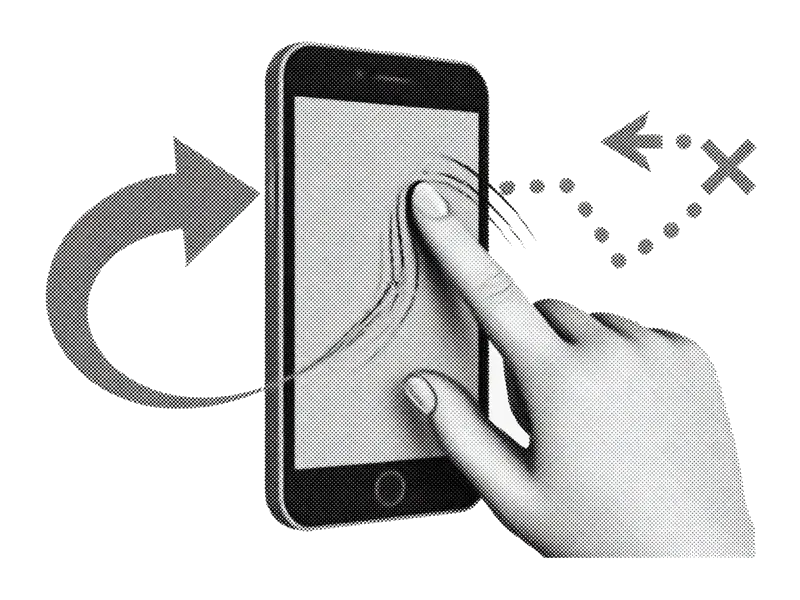
El famoso deslizamiento
Derecha para guardar, izquierda para borrar. Limpia miles de fotos sin pellizcar, sin selección múltiple infernal ni scroll eterno.
Todo lo siguiente es dirección de producto. Los detalles pueden cambiar antes del lanzamiento.
PhotoSwipe is a coming-soon iPhone photo cleaner. It is not the PhotoSwipe JavaScript gallery library. The goal is simple: make keep/delete decisions faster on a full camera roll without weekly pricing traps or uploading your library to “the cloud” just to trash a screenshot.
Derecha para guardar, izquierda para borrar. Limpia miles de fotos sin pellizcar, sin selección múltiple infernal ni scroll eterno.
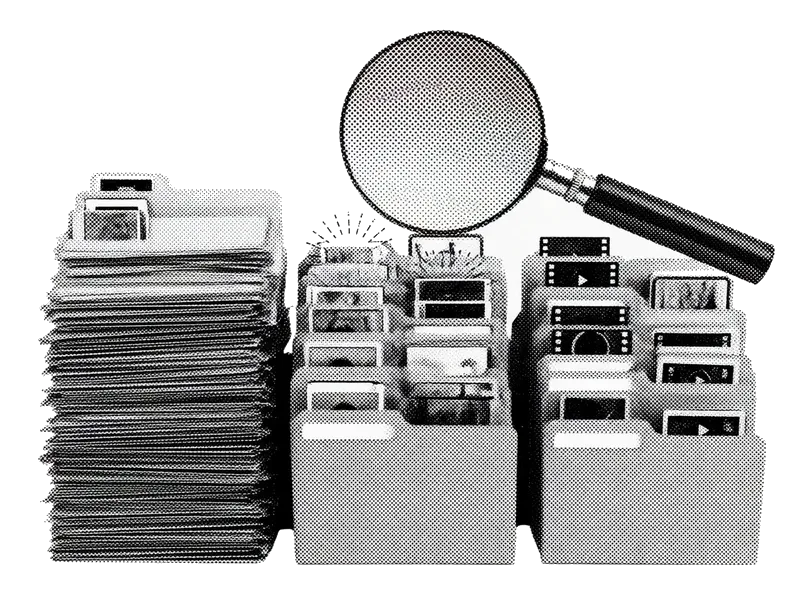
Ve directo a capturas, ráfagas, fotos similares, vídeos grandes o borrosas. el desorden que llena el almacenamiento primero.

Detecta fotos casi idénticas, quédate con la más nítida y elimina el resto en un solo flujo.
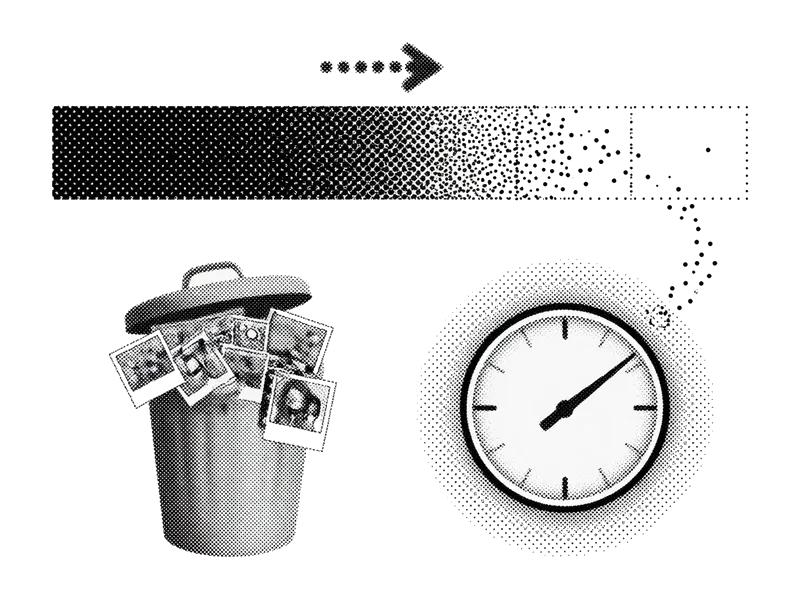
Sabe cuántos megabytes o gigabytes vas a recuperar antes de confirmar.

Tus fotos se quedan en tu iPhone. No necesitamos una copia en la nube de tu vida para ayudarte a borrar una captura.
Mira tu pila de borrados y recupera lo que deslizaste demasiado rápido. Confirma cuando estés listo.
Multi-select in Photos works for obvious junk. It falls apart when every frame needs a judgment call. Swipe review keeps one photo full-screen so you decide faster without fat-finger selecting the wrong thumbnail.
Start where density is highest. Screenshots and near-duplicates usually free more space per minute than scrolling All Photos from newest to oldest. Queues are product direction for v1, not a finished App Store checklist.
Apple’s Duplicates album catches exact or near-exact copies. Similar shots (same scene, different blink) still need a human. We aim to speed that pass without replacing free system tools you should use first.
Deletes sit in Recently Deleted until you empty it. Showing reclaimable space before confirm sets honest expectations: confirm + empty Recently Deleted is what actually moves the free-GB number.
Core keep/delete is designed to run on-device. When we ship, App Store privacy labels and the Privacy Policy will list any analytics or crash tooling. No “upload your camera roll for AI” requirement for basic cleanup.
Fast swipes create accidents. A review tray before permanent commit (and Apple’s Recently Deleted window after) is the safety net. Commit when you’re sure, not mid-gesture.
Apple already ships strong free tools. Use them first. Settings → General → iPhone Storage shows how large Photos is. Albums → Media Types surfaces Screenshots, Videos, and Live Photos. Albums → Utilities → Duplicates merges exact or near-exact copies. Empty Recently Deleted when you want free space back now (Items → Recently Deleted in Photos).
Smart queues aim to surface dense clutter. Swipe review is for judgment-heavy similar shots. Storage estimates set expectations before confirm. Privacy and review trays reduce the cost of mistakes. None of this replaces emptying Recently Deleted if you need gigabytes back today.
Únete a la lista para el enlace del App Store el día del lanzamiento. Mientras, usa nuestras guías.